I was building a small gadget: a blinking light activated by a magnet hidden inside a princess wand.
I sketched out a simple NE555 timer circuit and verified the design on a breadboard. Everything worked perfectly. Since I only needed a few units, fabricating a PCB felt like overkill—too expensive and too slow to ship.
So I went old-school. I grabbed pen and paper and translated the design to fit a stripboard layout. Then I soldered the handful of components, connected the batteries… and nothing. It didn’t work.
Somewhere along the way, I made a mistake.
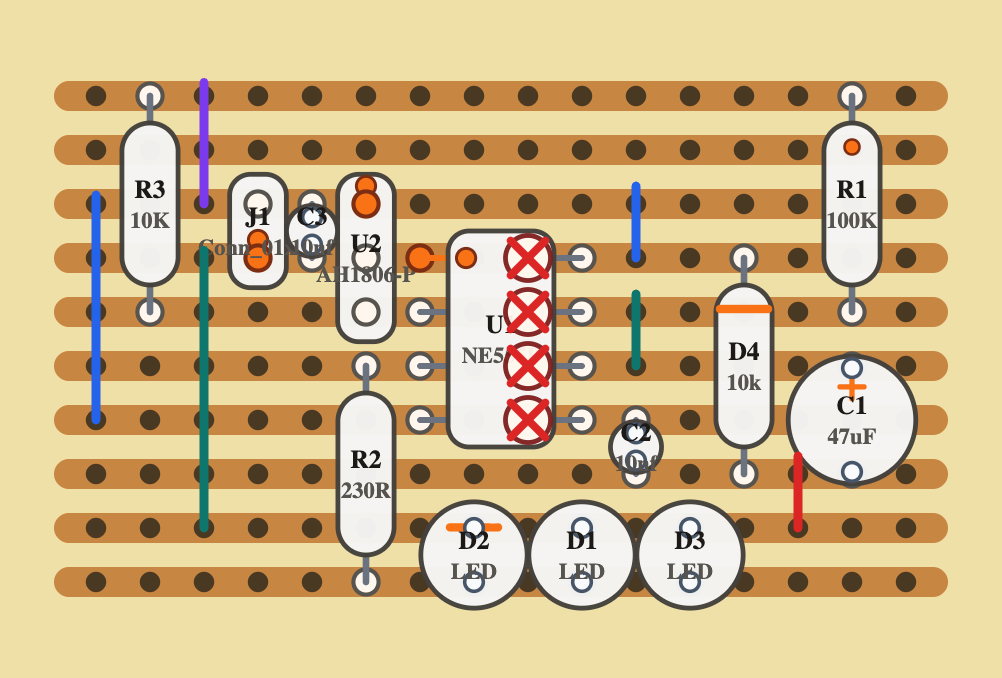
When you use modern electronics design tools, they do a lot of heavy lifting—checking connectivity, enforcing design rules, and generally making sure what you build matches what you intended. Without those safety nets, it’s surprisingly easy to get things wrong.
Years ago, I used a piece of software called VeeCAD. It allowed you to place components on a virtual stripboard and verify the layout against a schematic netlist. It was incredibly helpful. Unfortunately, it’s now essentially abandonware—still functional, but outdated—and it only runs on Windows, while I work on a Mac.
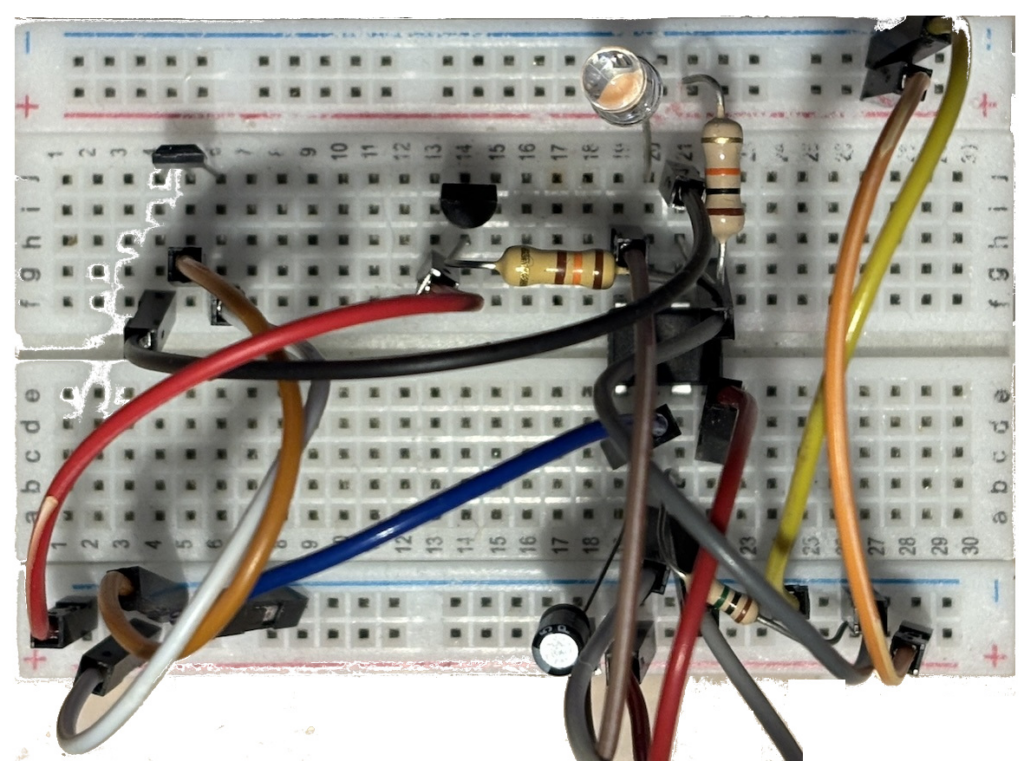
So I decided to build something myself—with a modern twist.
My goals were simple:
- It should run in the browser. I do everything online, so why not this too? That also solves cross-platform compatibility.
- It should accept KiCad schematic files directly, with no need for conversion.
- It should include tools to detect unrouted connections and layout collisions.
After a couple of days—and with some help from AI—I had a first working version of VCAD.
To start, I defined four basic component types: axial, radial, single-row, and dual-row. With just these, it’s already possible to represent a wide range of parts—resistors, capacitors, diodes, connectors, transistors, ICs, and more.
On the board itself, you can:
- Add links between strips
- Cut traces to isolate sections
- Mark external connections like power, inputs, and outputs
If you log in, you can save your designs to the database and access them anytime, from anywhere. Even without logging in, you can download your design as a PNG and print it for use at the workbench.
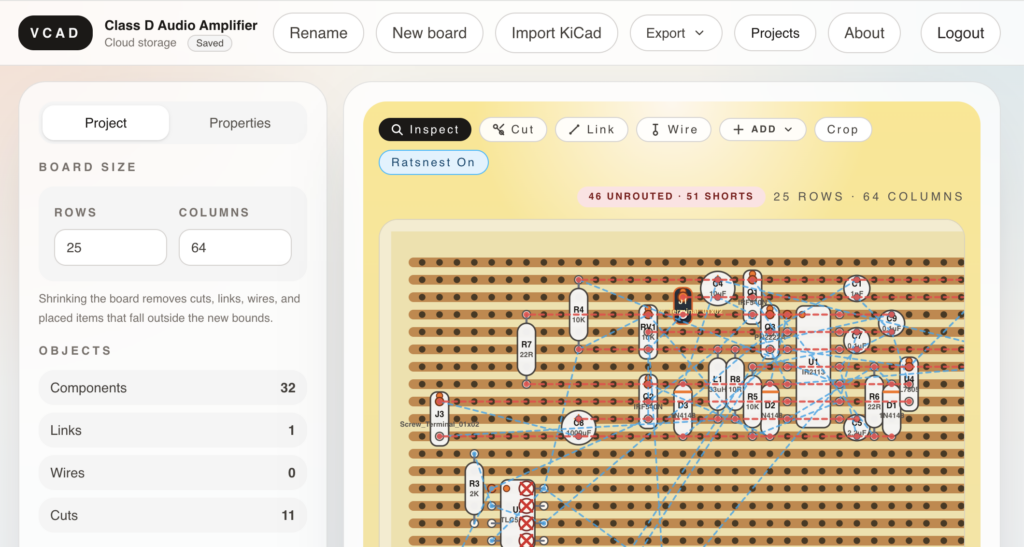
There’s still a lot more to build, and plenty of features missing. But after just a few days of “dogfooding” it on my own projects, I’ve already managed to create something genuinely useful.
You’re welcome to give it a try at https://vcad.idoroseman.com/, and I’d love to hear your feedback on the project’s GitHub repository https://github.com/idoroseman/vcad-online.
video tutorial https://youtu.be/zMSs89ZbUAk
Leave a Reply