Category: make

  • Turning a Wiring Mistake Into a Tool

    I was building a small gadget: a blinking light activated by a magnet hidden inside a princess wand.

    I sketched out a simple NE555 timer circuit and verified the design on a breadboard. Everything worked perfectly. Since I only needed a few units, fabricating a PCB felt like overkill—too expensive and too slow to ship.

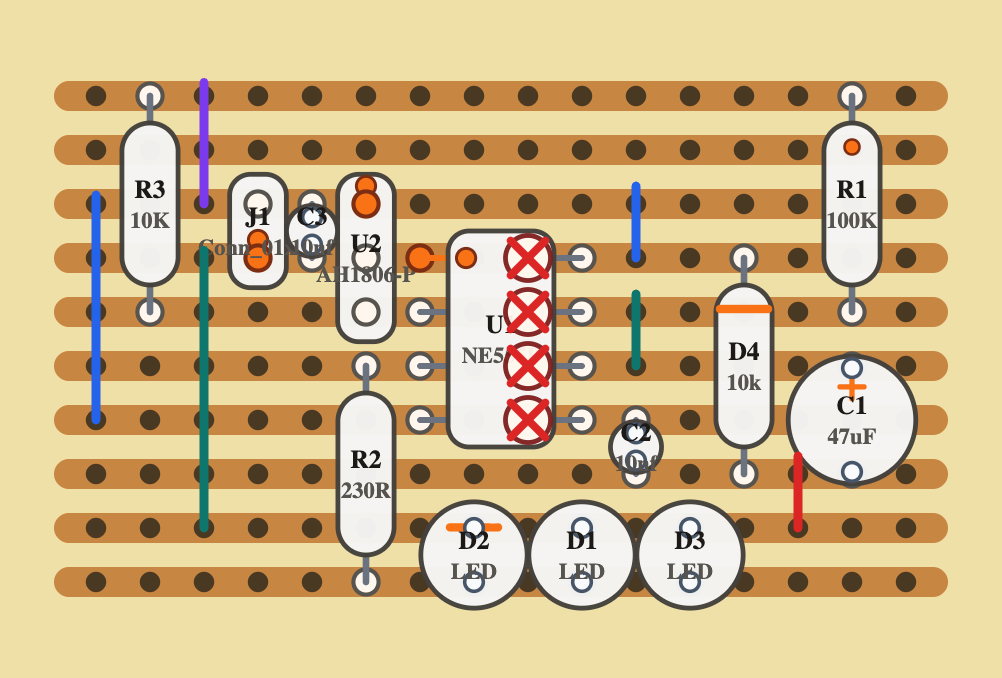
    So I went old-school. I grabbed pen and paper and translated the design to fit a stripboard layout. Then I soldered the handful of components, connected the batteries… and nothing. It didn’t work.

    Somewhere along the way, I made a mistake.

    (more…)
  • How AI Helped Me Send Pictures Through a Network That Wasn’t Meant For It

    Many years ago, I was sending high altitude balloons to the sky with cameras attached. I wanted them to broadcast these images live to the ground. The solution I used was analog SSTV which ham with good antennas could receive. I also experimented with digital images over APRS. The idea was to decentralize the reception with numerous stations already operating and bridged to the internet.

    In the past year there is a boom of local hams using Meshtastic, which is based on long range lora communication and packet relaying. I wondered if I could revisit this project using the new technology.

    TL;DR it’s not that easy

    (more…)
  • Measure Twice, Cut Once: The New G-code Tool for Laser Makers

    Whether you are a seasoned maker or just starting out with laser cutting, there is a universal moment of tension: hitting “Start” on a job and hoping the laser follows the path you actually intended.

    One wrong setting or a miscalculated offset can lead to wasted material or, worse, a ruined project. To solve this, I’ve been working on LaserView, a dedicated web-based tool designed to give you total peace of mind before the laser ever touches the workpiece.

    What is LaserView?

    LaserView is a lightweight, fast, and intuitive visualizer for G-code files specifically prepared for laser cutters. Instead of sending your files blindly to the machine, you can drop them into LaserView to verify the geometry, check the paths, and ensure everything is exactly where it should be.

    Why Use a G-code Previewer?

    Most CAM software provides a preview, but seeing the raw G-code in a neutral environment is a critical “sanity check.” LaserView helps you:

    • Catch Errors Early: Spot disconnected lines, incorrect scaling, or paths that extend outside your machine’s work area.
    • Verify Power & Speed Commands: Ensure your G-code commands are being interpreted correctly by the visualizer.
    • Save Material: By catching a mistake in the browser, you save the wood, acrylic, or leather that would have been wasted on a bad run.
    • No Installation Required: Because it runs in the browser, you can check your files from any computer in the workshop without installing heavy software.

    Open Source and Accessible

    I believe in the power of the maker community, which is why LaserView is open source. Whether you want to use it as-is or dive into the code to see how it parses G-code, the project is available for everyone.

    How to Get Started

    Using the app is simple. Just export your G-code from your preferred design tool (like LightBurn, Inkscape, or Fusion 360), and load it into the LaserView interface. You’ll get an immediate visual representation of the laser’s path, allowing you to “measure twice and cut once”—digitally.

    Happy making!
  • Mirror, Mirror on the Wall – Part 1

    A friend came to me one day with a wonderfully strange request.

    She wanted a magic mirror.

    Not just any mirror, but that mirror.
    You know the one:

    “Mirror, mirror on the wall, who’s the fairest of them all?”

    The idea was simple and slightly mischievous:
    when someone stands in front of the mirror, it recognizes who they are and responds with personalized compliments. A morale booster. A confidence engine. A tiny bit of everyday magic.

    Of course, I said yes.

    (more…)
  • Traffic Light

    I’ve got some pet projects pilling up, so I’ve decided to write about them. first one on the list is a pedestrian traffic light my friend found and wanted to do something cool with it.

    his idea was just to make the light blink, but I wanted something more exciting and if possible, interactive.

    (more…)
  • Optimizing My Small-Scale PCB Assembly Process with a DIY Solder Paste Stencil

    Optimizing My Small-Scale PCB Assembly Process with a DIY Solder Paste Stencil

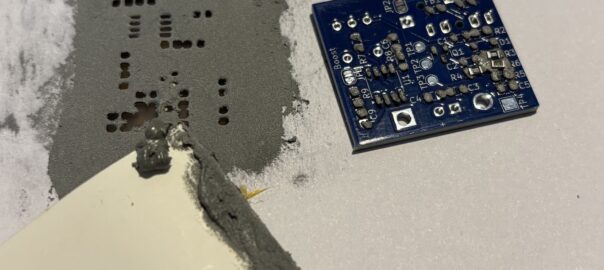
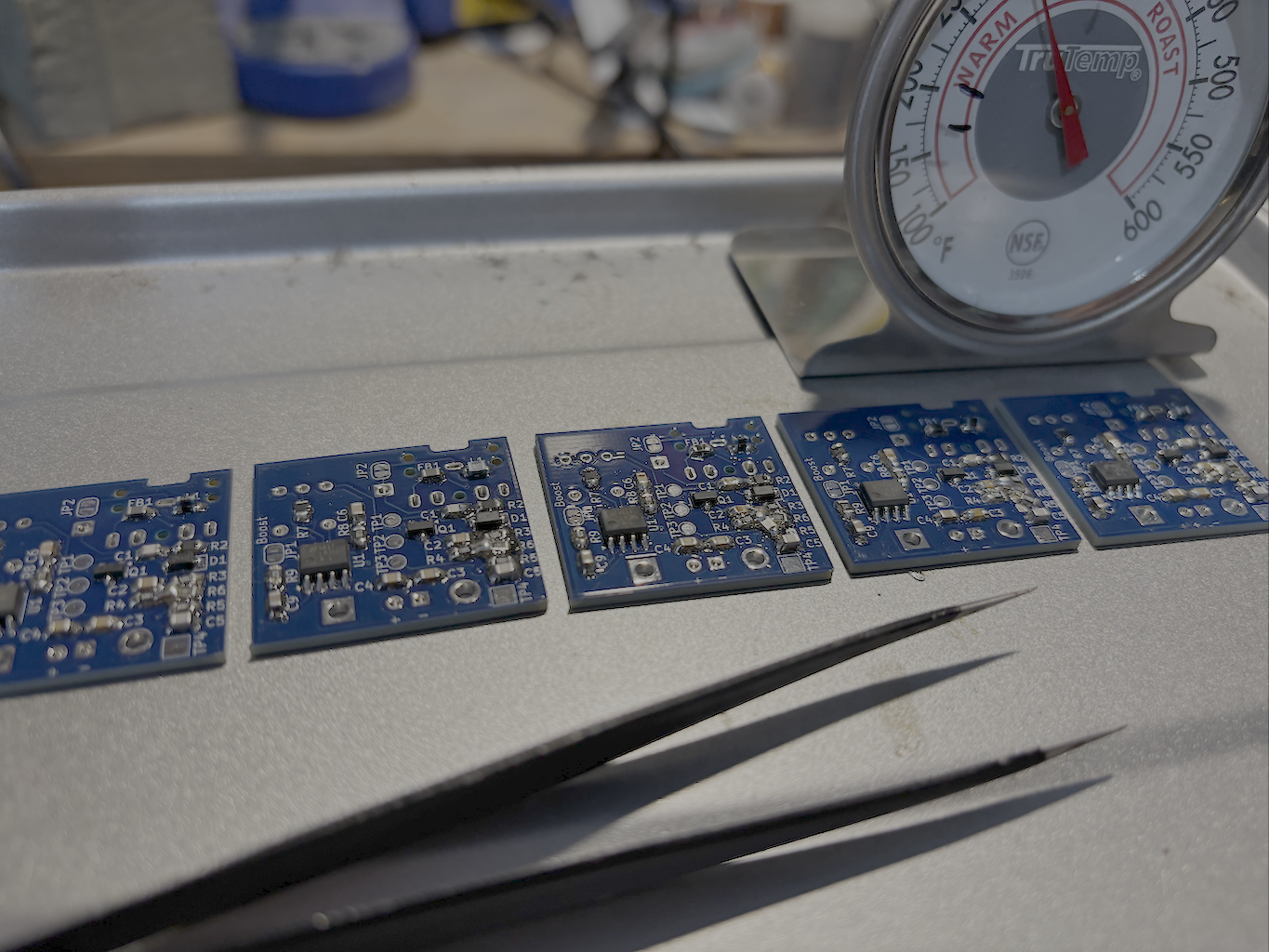
    I recently embarked on a small-scale production run of a PCB with SMT components. To keep costs down, I ordered the PCBs and components separately from China and took on the soldering process myself.

    As a hobbyist, I’ve always found this approach quite manageable. I typically use a syringe with solder paste, applying it manually while using my phone as a microscope since the pads are so small. This method has served me well for years when working on one or two boards at a time. However, this time, I had a batch of ten units—and what used to be a quick task turned into an all-day endeavor.

    Being an engineer at heart, I immediately started thinking about ways to optimize the process.

    (more…)
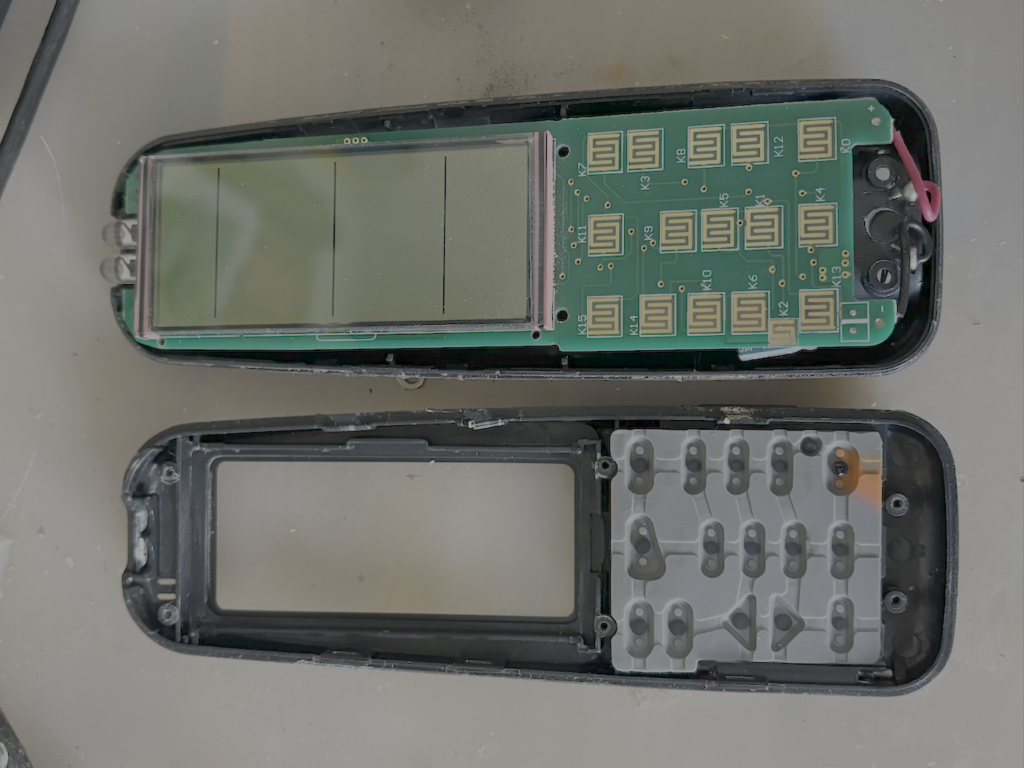
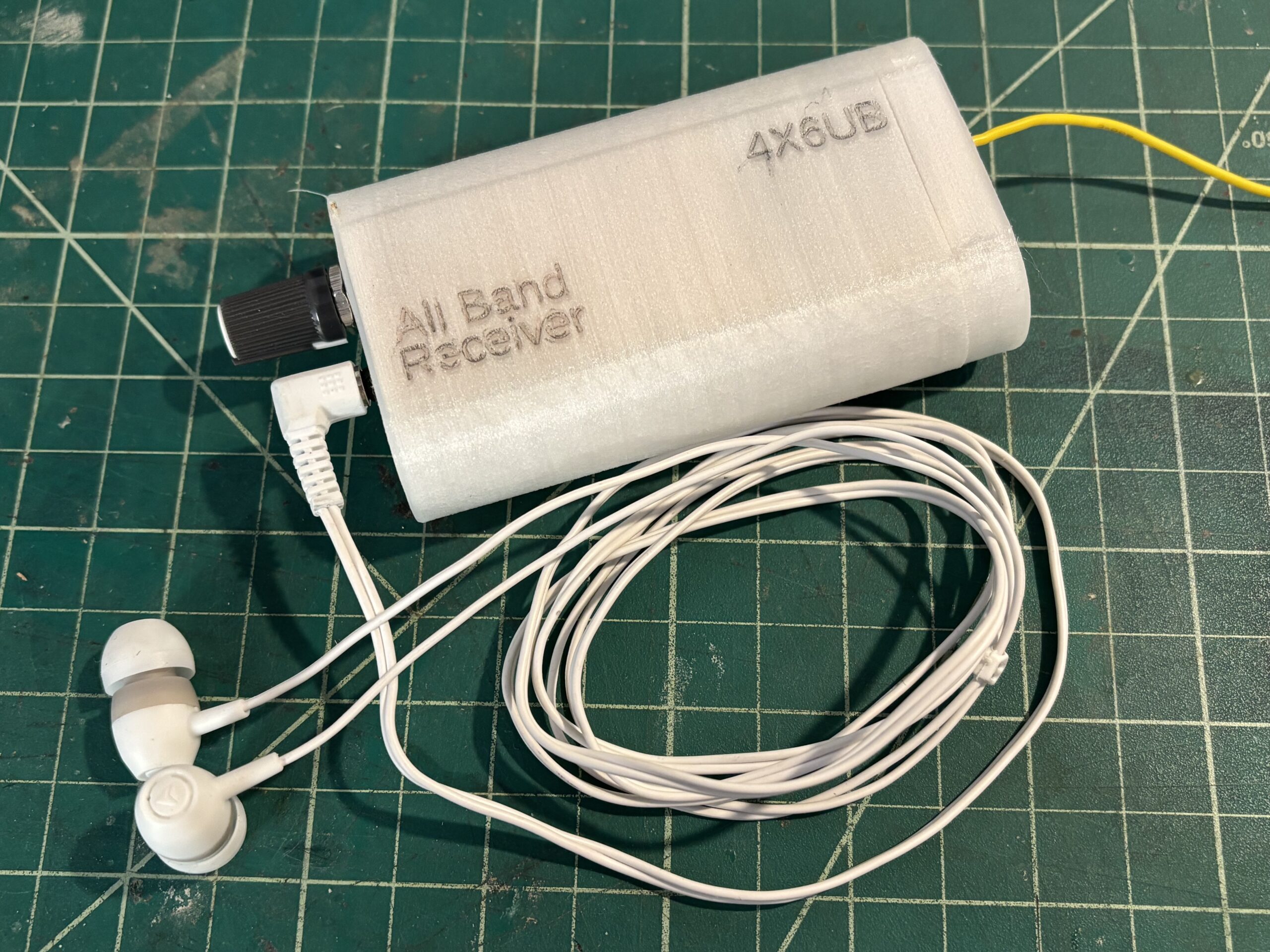
  • How to Use an All-Band Receiver to Listen to Airplane Pilot Communications with Ground Controllers

    In the world of aviation, communication between pilots and air traffic controllers is crucial for safe and efficient operations. For aviation enthusiasts & radio hobbyists, listening in on these transmissions can be fascinating and insightful for many reasons,

    While it may be tempting to use a simple off-the-shelf walkie-talkie style receiver or scanner to listen in on air traffic communications, doing so in or near an airport can be problematic. More importantly, airport security and aviation authorities generally view the use of such devices with suspicion. In some cases, they may even be prohibited in certain areas of an airport due to concerns about security and interference with official communications. even if your intentions are pure and have the proper equipment, trying to explain that to a concerned security officer can turn to be a headache.

    enter the All Band Receiver.

    (more…)
  • Internet Radio

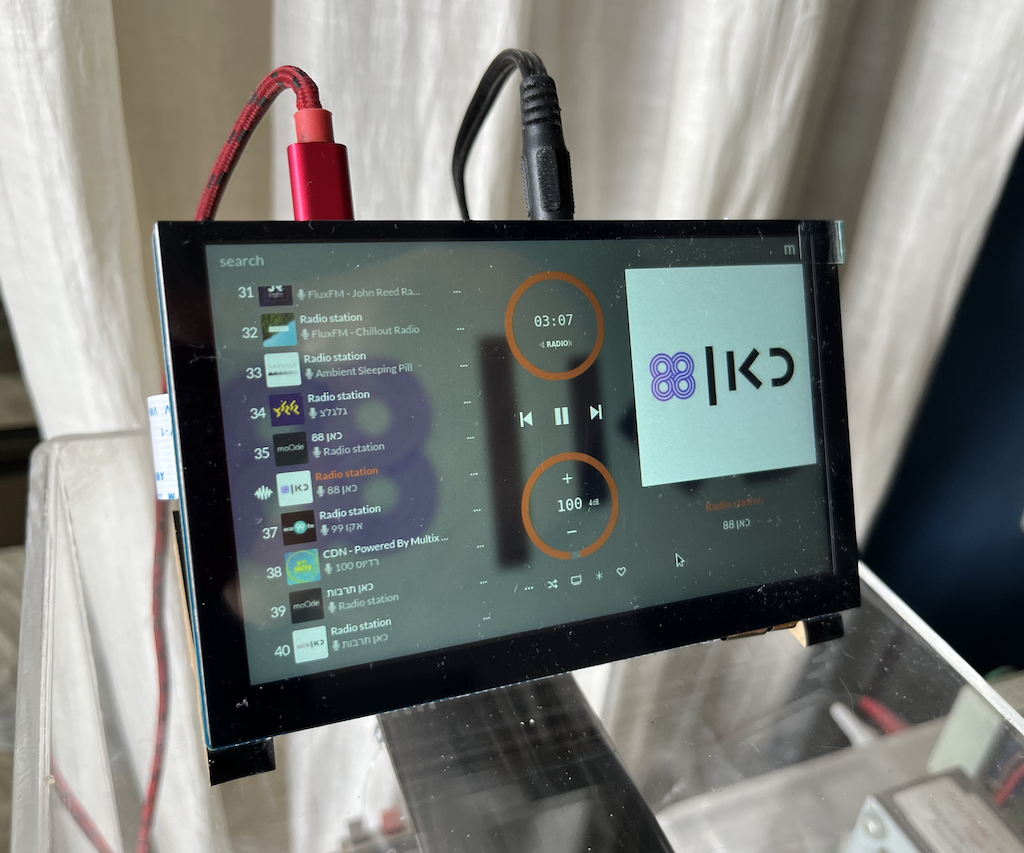
    Many times when I drive home there something good on the radio that I want to continue to listen when I enter my house. alas, I have no radio attached to my speakers, just an amazon echo device. I’ve tried to build a matching looking FM receiver, but I couldn’t resolve the ground noise issues so I didn’t use it all that much. following some articles I read on line I’ve decided to try again, this time with a internet streaming device.

    hardware

    I’ve decided to base the radio around a raspberry pi 4, which i had many laying around, and there are many ready made software solutions. I’ve added a 5″ touchscreen for the UI which was reasonably priced and added to the light industrial look of my HiFi speakers. it plugs into the MIPI display port and works out of the box without requiring installing any drivers.

    software

    there are many options available, but this is a quick and easy project, so I’ve narrowed down the options to Volumio and mo0de, both having a ready to burn image on the raspberry pi SD card imager.

    (more…)
  • מדריך לנוער איך לנצח במשחקי מחשב

    נועם הוא ילד בן 13. ואם יש משהו שבאמת חשוב לילדים בגילו, זה כמובן לנצח את כל החברים שלו במשחקי מחשב. לכן הוא מתאמן כל היום להקליק על הכפתור של העכבר ברצף כמה שיותר מהר כדי לירות ולחסל את האויבים שלו.

    אז יום אחד הוא חשב על רעיון לבנות קופסא עם כפתור שיעשה את הפעולה הזו בשבילו. לדעתו, והוא מכיר את השוק הזה מבפנים, זה מוצר שיכול למכור מליונים

    אני די בטוח יש איזה עכבר גיימרים שעושה את זה בדיוק, אבל אבא של נועם הוא חבר טוב אבל מאותגר טכנולוגית, וחוץ מזה הילד ביקש עזרה מהדוד הכי אהוב עליו, איך אני יכול לסרב ?

    (more…)
  • ספק כח לברדבורד

    לוחות ניסוי לבניה של מעגלי אלקטרוניקה (boardboards בלעז, או מטריצות בפי העם) הם דבר נפלא. הן מאפשרות לך לבנות מעגלים בזריזות. כשלימדתי תלמיד בית ספר לתכנת בארדואינו יכולתי לבוא כל שבוע עם רעיון חדש של רכיבים שרציתי לחבר ואת הכל בנינו על מטריצות שפרקנו בסוף השיעור. גם היום אני משתמש בהן כדי לבדוק רעיונות שאני לא בטוח בהם לפני שאני מדליק את המלחם ובונה מעגל ממש (בדרך כלל בstripboard שזה הבן דוד של המטריצה)

    (more…)