I’ve been experimenting with LoRa mesh networks, AI agents, and running local LLMs with Ollama. At some point, it occurred to me: why not bring them together?
Both Meshtastic and MeshCore already have chatbot projects that let you interact with a bot over the radio. They’re useful, but many rely on fairly rigid commands. You need to know the right syntax, remember what the bot can do, and phrase your requests in a way it understands.
I wanted something more natural. What if you could simply ask your mesh network a question, and let an AI figure out what information it needs?
That idea led to mesh-ai-bot, a project that combines a local Ollama server with a LoRa mesh network, giving an AI assistant access to actual network information.
From chat commands to conversations
My starting point was a collection of scripts that connected a mesh radio to Ollama. They could pass messages to a language model and return its answers, but they lacked something important: awareness of the mesh itself.
Existing mesh chatbots can do more than respond to messages. They know about nodes, network events, and other radio-specific information. A generic LLM, on the other hand, has no idea what’s happening on your local network.
I could have solved this with a simple command detector. If someone sent ping, return a canned response. If they sent test, run a predefined test. Send everything else to the LLM.
That would work, but it would still leave us with a command-driven chatbot. I wanted the AI to be able to use the network, not just talk about it.
Giving the AI tools
The solution was to introduce an MCP-like tool layer, using Ollama’s tool-calling capabilities.
Instead of relying on the model to know what’s happening on the mesh, I give it access to functions that can retrieve real information from the radio or a local database.
The model can request network and node data, use the returned information to answer a question, and combine it with its general knowledge. The tools act as a bridge between the language model and the mesh infrastructure.
This is a useful distinction: the LLM doesn’t need to memorize a command for every possible query. It can interpret what the user is asking, decide which tools are relevant, and formulate an answer based on the results.
For example, rather than remembering a specific command to retrieve node information, a user can ask a question in ordinary language. The model can call the appropriate tool and explain the result.
The network data comes from the actual radio or local database, not from the model’s training data. That makes the bot much more useful for questions about a particular mesh.
Where can you talk to the bot?
I also wanted the bot to fit naturally into the way people already use a mesh network, without having it respond to every conversation.
The current implementation supports three ways to interact with it:
- Direct messages: Send a private message to the bot.
- Dedicated channels: Ask questions in a channel designated for the bot, such as
#bot. - Mentions on the public channel: Address the bot explicitly using
@bot, so it can respond without interrupting everyone else’s conversation.
This gives users a choice between private interaction, a dedicated space for AI-assisted queries, and occasional questions in the main channel.
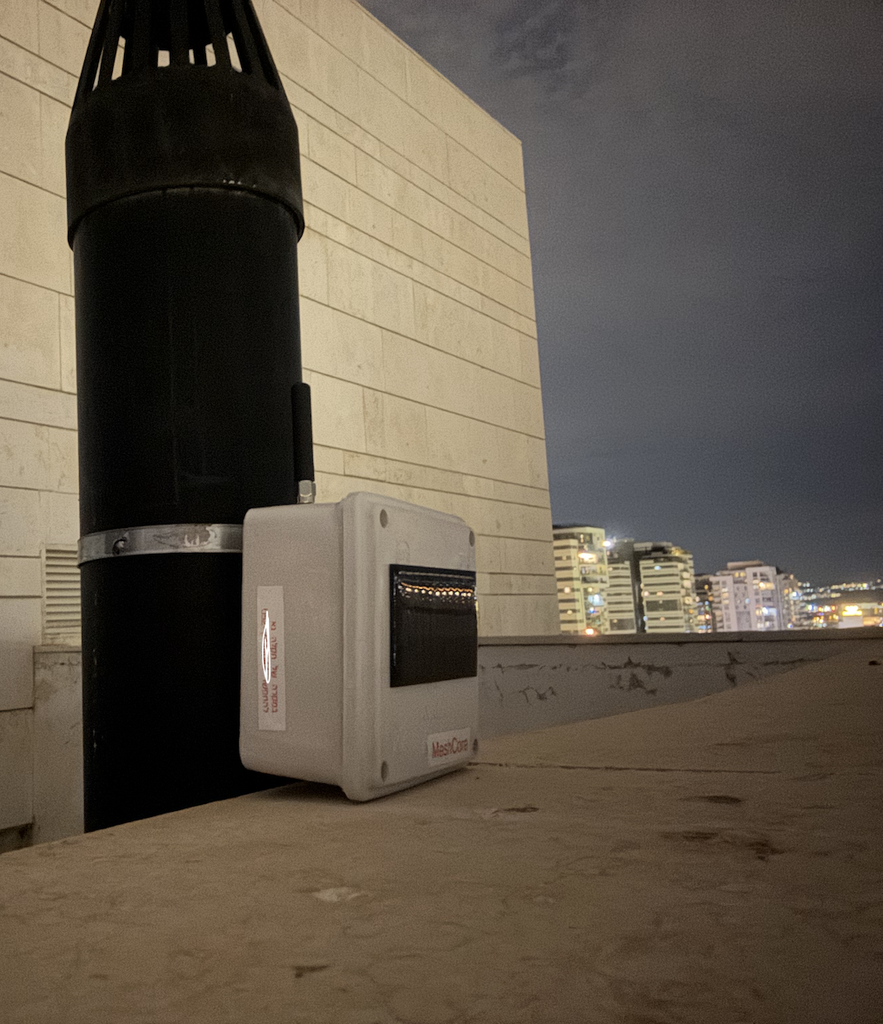
The first version is now running on my local MeshCore network.
Why run the AI locally?
For the local language model, I’m currently using Gemma 4 through Ollama, although Qwen 3 is another option worth exploring.
Running a model locally saves on API credits, but for me, there’s another reason: it fits the off-grid mentality behind MeshCore. The idea of a mesh network is to communicate without depending on conventional infrastructure. Having the AI run on my own hardware takes that a step further, reducing reliance on cloud services and external AI providers.
The radio still needs a connected computer to host the bot and model, of course, but the AI itself doesn’t have to depend on an internet connection or a paid API.
One of the appealing aspects of this project is that the language model runs on my own Ollama server. The radio provides the mesh connection, while the local server handles the AI processing. This means the bot doesn’t need to send every conversation to a hosted AI service.
It also makes the project an interesting experiment in combining two technologies that are often discussed separately: decentralized, low-bandwidth communication and locally hosted AI.
Of course, the AI still depends on the computer running Ollama, and the tools need access to the relevant radio or database. The mesh itself doesn’t magically become an AI network. Rather, the bot provides an AI interface to the information and capabilities available to it.
What’s next?
This is an initial working version, not a finished product. I’m sure more ideas will emerge as I use it on the mesh.
Some obvious directions include adding more network-aware tools, improving the information available about nodes and network events, and experimenting with what kinds of questions are genuinely useful over a low-bandwidth radio connection.
There are also interesting questions about how to make the interaction efficient. LoRa is not a high-bandwidth medium, and an AI conversation can easily become much more verbose than a typical mesh message. Keeping responses concise and making good use of the available tools will matter.
For now, I’m happy to have a bot that can do more than recognize a handful of predefined commands. I can ask it questions naturally, and it can retrieve information from the network to help answer them.
The code is available on GitHub:
The first version is running on MeshCore, but the underlying idea isn’t limited to one mesh protocol. I’d be interested to see what other people build with it, and what useful capabilities we can give an AI assistant operating over a radio mesh.
Leave a Reply